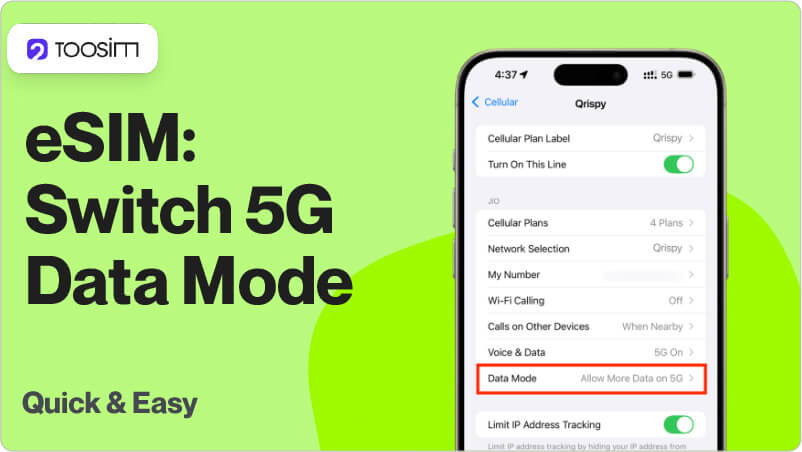
You can manually choose an internet usage mode on your smartphone to control how much data you consume and ensure the video quality, stability of your messenger calls, and app performance you need. This is especially helpful with a TooSIM travel eSIM, where your mobile data may be limited and you don’t want to find yourself in another country without internet access suddenly. Below we’ve included instructions on how to switch between modes on both iPhone and Android.
How to Switch Low Data Mode on iPhone
You can manually switch between «Standard», «Low», and «High» modes depending on your needs, using your iPhone settings. Here’s what to do:
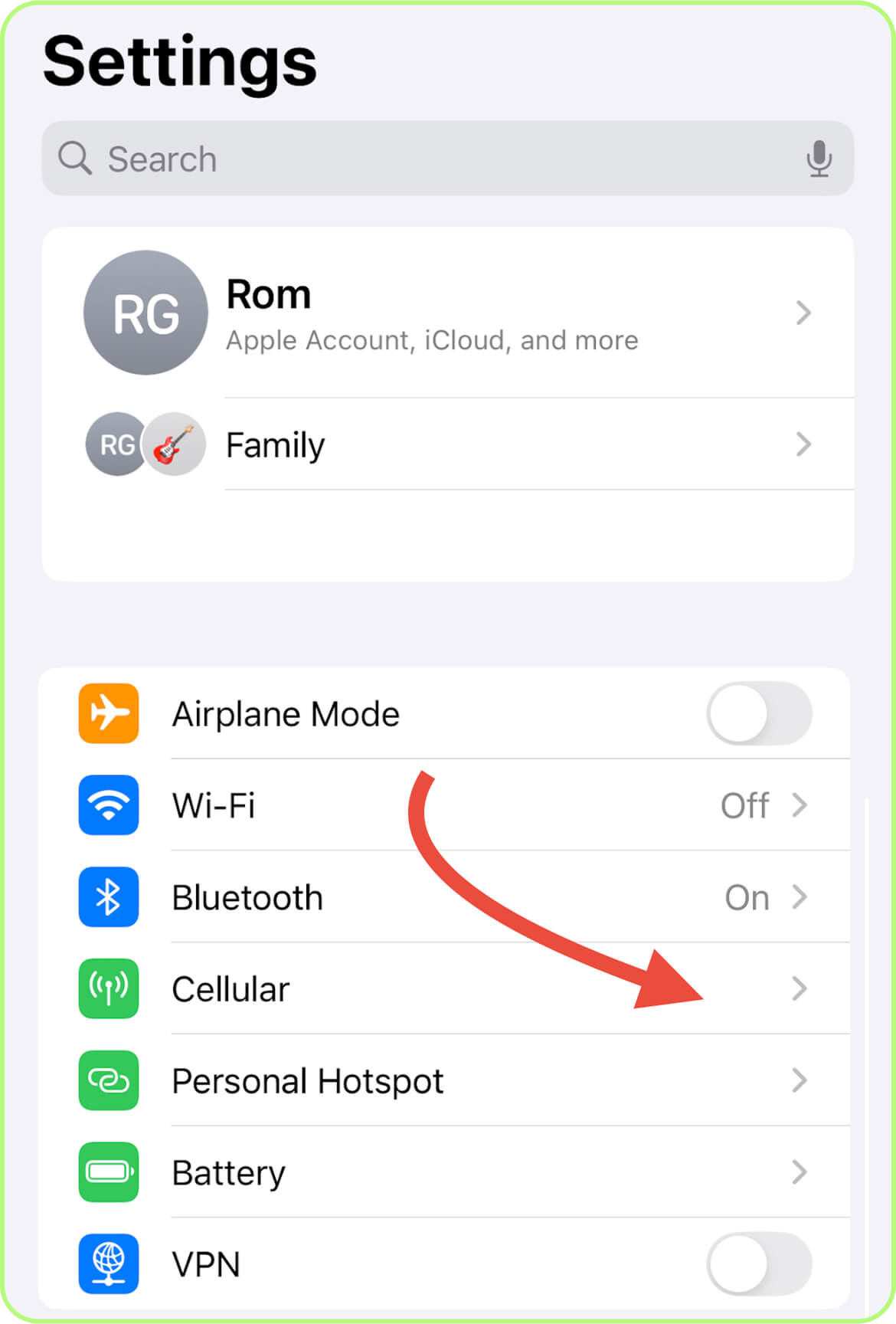
- Open «Cellular». It is one of the first items in the list.
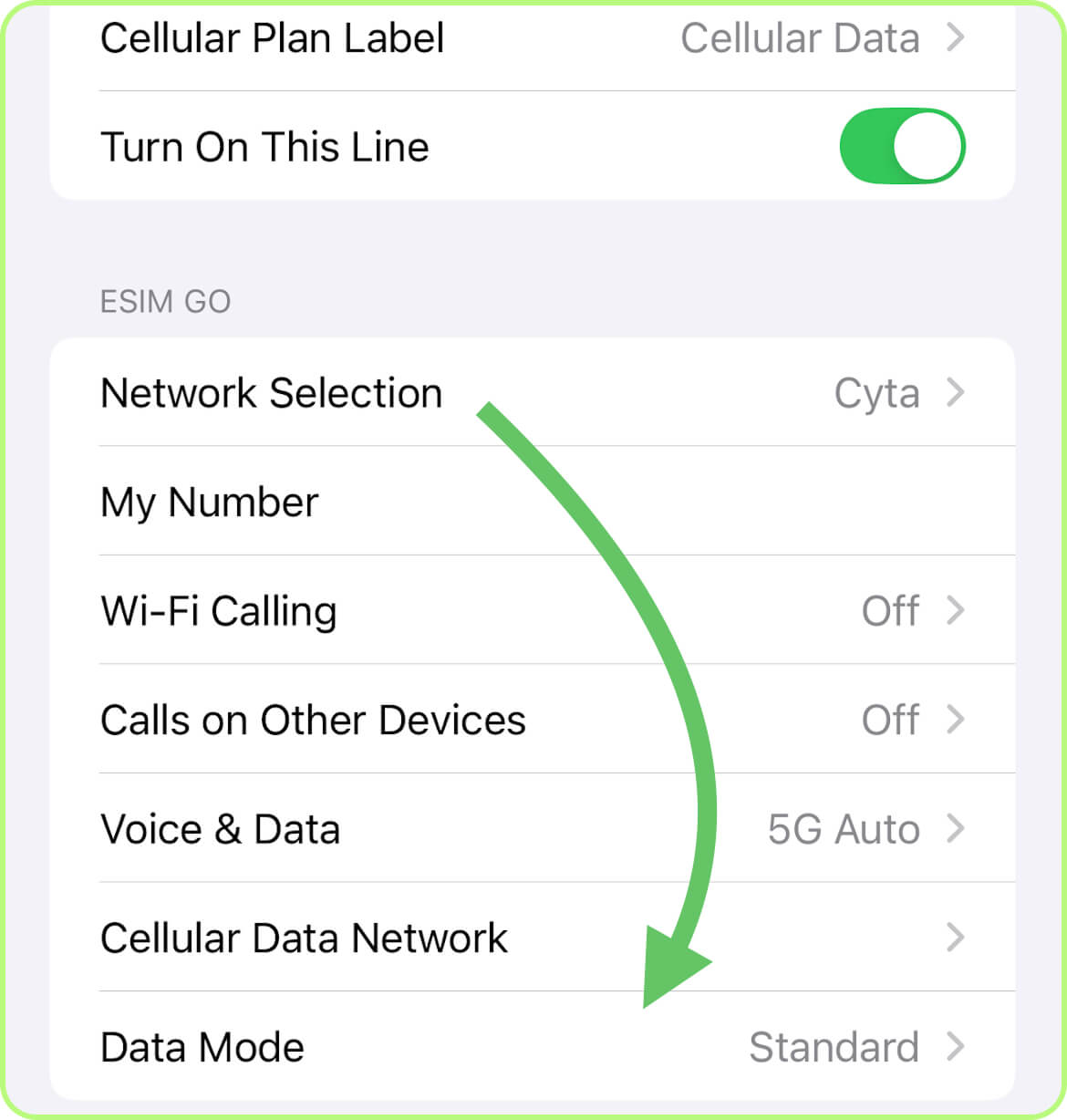
- Select the eSIM you want to adjust. By default, it may be labeled «Primary» or «Secondary», unless you renamed it yourself, for example «TooSIM eSIM».
- In the second main section tap the last option called «Data Mode».
- Choose the mode that suits you from the three available options.
The change takes effect immediately. You can switch modes anytime you need.
How to Switch Low Data Mode on Android
Samsung, Nokia, and Huawei smartphones offer two options: the activated «Data Saver» mode, which works similarly to «Low» on iPhone, and the disabled «Saver» mode, which functions as «Standard». The «High» is usually enabled automatically when you are connected to a 5G network, «Internet Saver» is turned off, and your eSIM plan has no data limits. Here is how to turn it on or off:
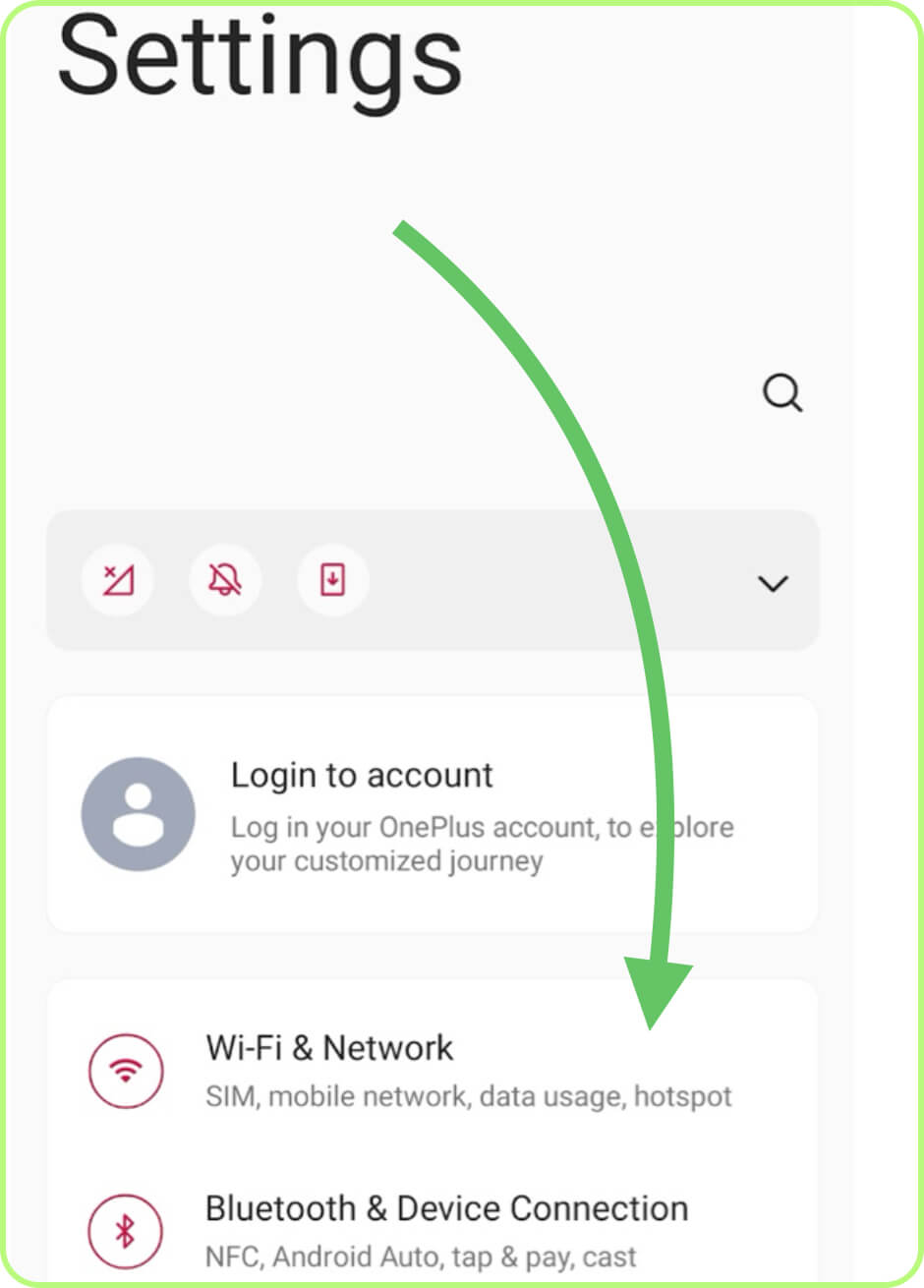
- In «Settings» go to «Network & Internet».
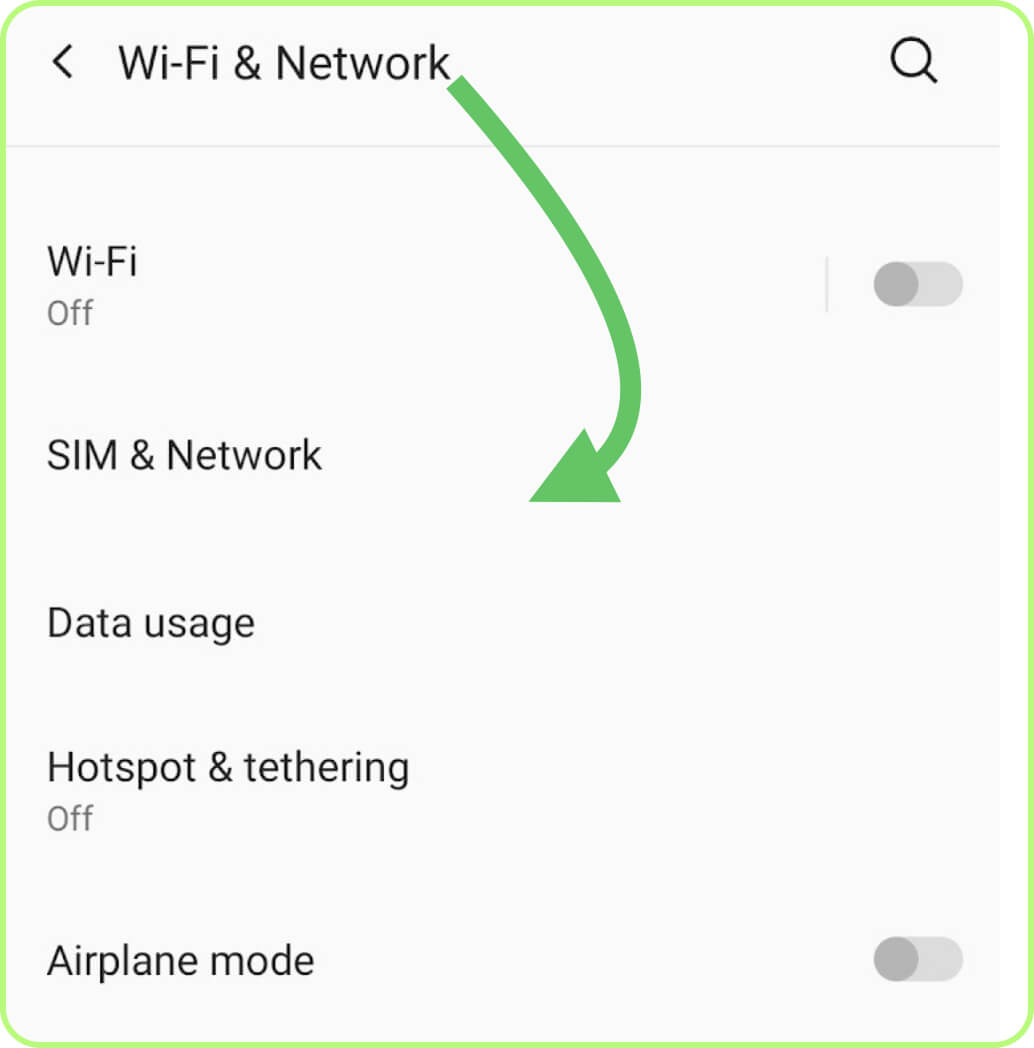
- Open the «SIMs»/«SIM & Network» section (on some models it may be «eSIMs»).
- Select your travel eSIM.
- Go to «Saver» or «Data usage» and enable or disable the mode.
After that you can exit the settings and use the internet as usual. The changes will be saved automatically.
Conclusion
Switching between Standard, Low, and High options helps you control your internet usage, which is especially important when traveling with a prepaid travel eSIM. «Standard» is the best everyday option, since videos load in medium quality (Full HD and 4K consume significantly more data), and websites load quickly without unnecessary extra usage. «Low» is a great choice for small data plans (1, 2, 3 GB) because it stops background processes and lowers video quality, which greatly reduces data consumption. When you need instant syncing and updates or the highest content quality, you can switch to «High Data».