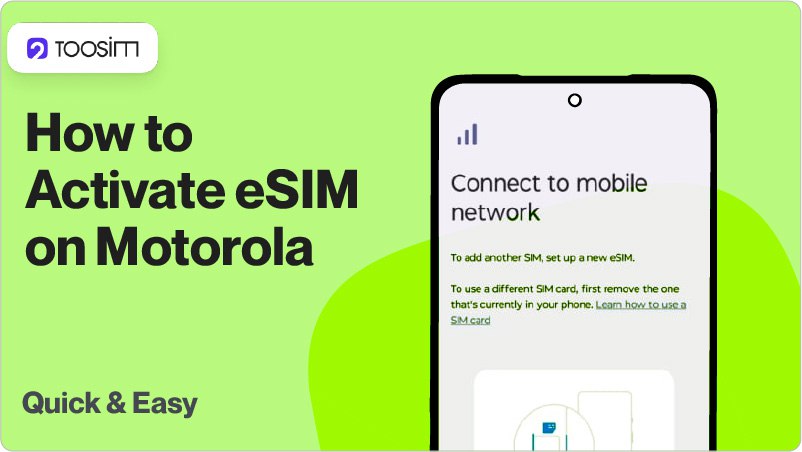
Motorola smartphones, including most models from the Razr and Edge lineups as well as the newer G models released in 2024-2025, support TooSIM eSIM. Two installation methods are available: via QR code or by manual data entry.
However, before purchasing and activating an eSIM, it is essential to check whether your specific Motorola model supports it. If it does, the installation process usually takes no more than 5 minutes.
Which Motorola Models Support eSIM?
In most cases installation works without any issues, but there are some exceptions. Virtual SIM is NOT supported on:
- Motorola devices made for the Chinese market.
- Many models released for India and other Asian markets.
- Older Moto G models such as Moto G Power 2022 and G Stylus 5G 2023.
- Budget smartphones from the G Play and E series.
The main Motorola models that support eSIM are listed in the table below.
| Razr ю | Edge series | Moto G series | Other |
| Razr 2019, Razr 5G, Razr 2022, Razr 40, 40 Ultra, 50, Razr 50 Ultra, Razr 2024, Razr+ 2024, Razr (2025), Razr+ (2025), Razr Ultra (2025) | Edge Fusion, Edge 60, 60 Pro, Edge 60 Fusion, Edge 60 Stylus, 50, Edge 50 Pro, Edge 50 Ultra, Edge 50 Neo, Edge 40, 40 Pro, Edge 40 Neo, Edge+ (2023), Edge (2022/2023/2024) | Moto G (2024), Moto G (2025), G34, G35, G53, G53 5G, G54, Moto G54 Power, Moto G55, Moto G75, G85, G86, Moto G Power (2024), G Power (2025), Moto G Stylus 5G | ThinkPhone 25 |
What to Check Before Buying
Before purchasing a virtual SIM you need to make sure that your specific smartphone supports this feature. You can find our detailed guide for Motorola phones here.
You should also check whether your mobile carrier has any restrictions on using other SIMs. A step by step guide on how to check this is available here.
How to Install eSIM on Motorola
Motorola smartphones support two installation methods. The fastest option is activation via QR code, but you can also do it by entering the Activation Code and SM-DP+ Address manually. The step by step instructions below apply to both methods:
- Open «Settings».
- Go to «Network & Internet».
- Open the «SIMs» section.
- Select «Add eSIM».
- Choose your preferred installation method. You can either scan the QR code from the email sent by TooSIM or enter the SM-DP+ Address and Activation Code manually. This information is available in your TooSIM account on the website or in the app.
- Tap «Confirm»/«Download».
- Activate your travel eSIM by switching it to «On» and enabling roaming and other required settings.
A detailed guide for all Android smartphones, including Motorola, is available at the link.
Conclusion
Most Motorola models support eSIM, so you can install it quickly and without any issues using the method that works best for you. We recommend scanning the QR code from